
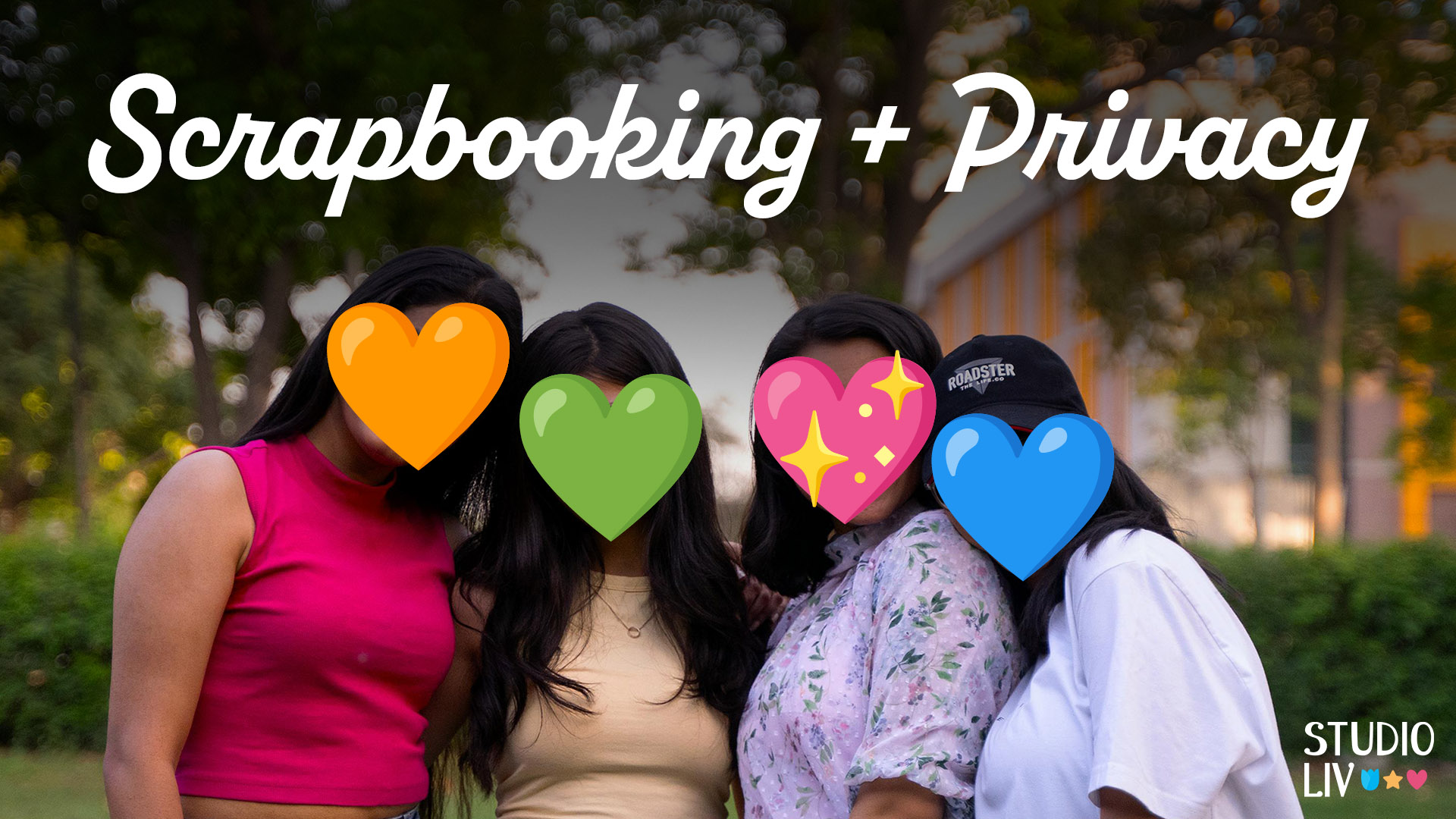
A big part of the scrapbooking community is sharing our end products. Whether you’re sharing on social media or a dedicated scrapbooking website, you may be concerned about the privacy of your photos and memories.
Here are a few ways you can share your creativity while being mindful of your and your loved one’s privacy.
Blurring faces or text
This one is pretty typical, even outside of scrapbooking circles. Most image editing software has features for blurring images or selected areas of images.
Check out these tutorials:

Placing stickers/elements over faces

I see this one often on social media and in the scrapbooking community. A small emoji, sticker or smiley face to cover someone’s face is subtle and might look less “victim of a crime” than a blur.
Omitting text or journaling
The beauty of digital is that we can easily make multiple versions of the same page. Often, for journaling, I will save a full-size version with my full story, and then save a web version with no journaling or abbreviated journaling.
This is good when your thoughts are private or personal, or include locations or full names that you don’t want online.
Replacing photos with journal cards
This is another one of my go-tos. If my page has a photo I want to exclude online, I will plop a journal card in its place before I save for web.

Duplicating photos
Another option, when I have one photo I’m okay with sharing and other photos I want to cover, I just duplicate the one image that is safe to share in place of the others.
Replacing photos with stock images
I haven’t done this one personally, but I see it often in the community galleries. Search for generic or themed images to replace the original pics. Easy-peasy!
Be sure to check the license of your stock images. Here are a couple of royalty-free sites:
If you already have an Adobe subscription, it may also include some Adobe Stock credits.
Traditional tips

If you’re traditionally scrapbooking with paper, placing a sticky note or scrap piece of paper over sensitive information before photographing/scanning your scrapbook page also works!
Don’t be scared to scrapbook because of privacy concerns! You can also choose not to share online or use one of these techniques. Try blurring a photo or replacing it with a stock photo next time you run into this situation.